
Your meter number is printed on a sticker or label on the meter itself, usually above or below the barcode, and it’s the number you need whenever you buy electricity units or contact your distribution company.
It differs from the token you get after paying and from the account number on your bill, a mix-up that causes many failed recharges.
If you’ve just moved in or the label has faded, this guide covers every legitimate way to track the number down.
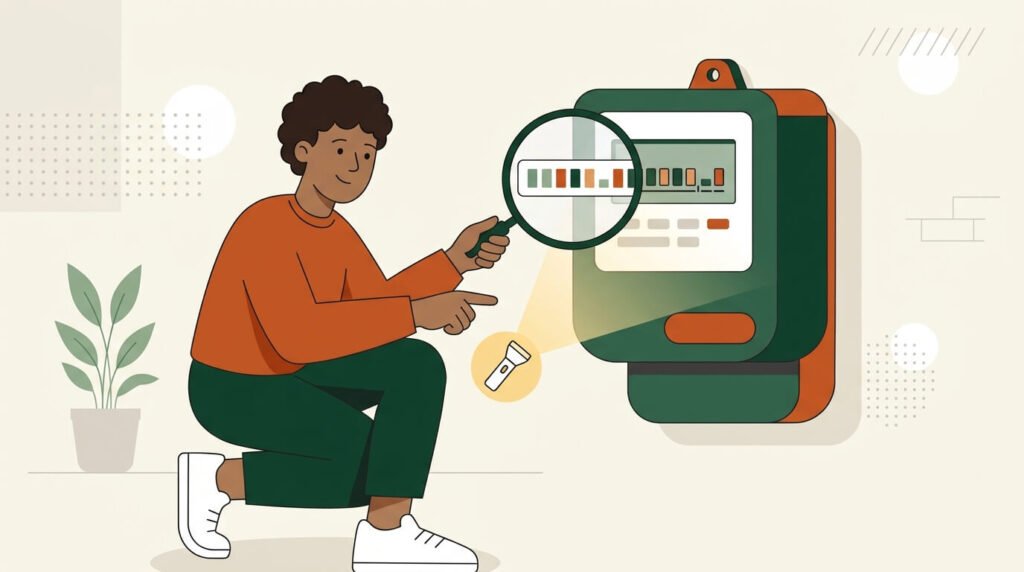
Where to find your meter number on the meter
Start with the physical device, since the number is almost always printed somewhere on the casing.
- Look above or below the barcode on the front panel, where most prepaid meters in Nigeria print the serial number.
- Check the sticker or nameplate on the side or top of the meter box if the front panel doesn’t show it clearly.
- Look for the number engraved into the plastic or metal casing, which some older meters use instead of a sticker.
- Check the LCD display, since some brands let you cycle through a keypad sequence to show the meter identity, though the exact code varies by manufacturer.
What the number looks like
A prepaid meter number is a unique identifier for that device, usually 11 to 13 digits, sometimes with a letter mixed in. It never changes for the life of the meter, unlike the token you enter each time you recharge.
If you’re unsure whether your meter is even a prepaid type, it helps to understand the difference between prepaid and postpaid electricity meters before hunting for a number; a postpaid setup wouldn’t display the same way.
Meter number vs token number vs account number
These three numbers get confused constantly, since they all show up around the same transaction, but each serves a different purpose.
| Number type | What it is | Typical length | Where it appears | When you use it |
|---|---|---|---|---|
| Meter number | Permanent serial number of the physical meter | 11 to 13 digits | Sticker or engraving on the meter body | Every purchase of electricity units |
| Token number | One-time code generated after a purchase | 20 digits | SMS, receipt, or app confirmation screen | Entered once to load that purchase’s credit |
| Account/customer number | Reference the DisCo assigns to your billing account | Often 10 to 13 digits, varies by DisCo | On your bill or DisCo app profile | Registering online or filing complaints |
If a payment platform asks for your “meter number” and you type in a 20-digit code instead, the transaction usually fails outright, or in rare cases credits a different meter, so confirm which field you’re filling before submitting.
How to check your meter number without looking at the meter
Sometimes the meter is inaccessible or shared, or you simply need the number before you’re at the property, and there are a few reliable workarounds.
- Check an old recharge receipt, since every token purchase generates one listing the meter number.
- Open the transaction history in whichever app you used before, since Quickteller, Interswitch, or your bank’s payment section usually saves it.
- Look at a printed or emailed electricity bill, since some DisCos list it alongside the account number.
- Call or visit your DisCo’s customer care office with proof of address, since staff can look it up for that property.
- Ask your landlord or the previous tenant if you’ve just moved in, since they may still have the paperwork.
Arandmi takes a similar before-you-commit approach: residents rate how reliable power and internet actually are in their neighborhood, so anyone house-hunting can check what locals already say about outages and connectivity before signing a lease.
What to do if the sticker is worn off or missing
A missing or unreadable label is common on older meters, so work through these steps in order rather than assuming you’re stuck.
- Check the installation paperwork or warranty card from when the meter was fitted, since it often lists the number even after the sticker has worn away.
- Search your email and SMS inbox for past recharge confirmations, since the meter number appears on every one.
- Contact your DisCo’s customer care line and explain that the label is illegible, since they can pull the number from your address or account details.
- Request a technician visit if that fails, since a field officer can read the identification directly from the meter’s internal components.
- If you discover there’s no meter at all, and you’re billed on estimates, ask about getting one through the Meter Asset Provider (MAP) scheme, the official route for new prepaid installations in Nigeria.
Why your meter number matters beyond buying units
Your meter number isn’t just for recharging; it’s the identifier your DisCo uses for that property. Leaving it out, or getting it wrong, can stall processes that have nothing to do with buying tokens.
- Registering on your DisCo’s mobile app usually requires the meter number to link your account.
- Filing a complaint about a faulty meter or estimated billing is faster when you can quote it exactly.
- Reporting a stolen or vandalized meter requires the serial number for the official record.
Getting this number right the first time saves a second trip to customer care later.
A few smaller questions come up often around meter numbers, so here are quick, direct answers to the ones readers ask most.
Frequently asked questions
Is my meter number the same as my token number?
No, they are two different numbers with different jobs. Your meter number is the permanent serial number printed on the meter, while your token number is the 20-digit code generated fresh after each purchase and used once to load that transaction’s credit.
Mixing them up is the most common reason a recharge fails, since payment platforms expect the meter number in that field, not the code from your last receipt.
Is my meter number the same as my account or customer number?
No, your account number is assigned by your distribution company to identify your billing relationship, while the meter number identifies the physical device at your property.
The account number appears on your bill or DisCo app profile and is used for registration and complaints, while the meter number is what you enter when buying units. One account can sometimes be linked to more than one meter.
Can I find my meter number from an old recharge receipt or SMS?
Yes, every successful purchase generates a receipt or confirmation message listing the meter number the units were sent to, so your SMS inbox, email, or app transaction history is one of the fastest places to recover it.
This works even without physical access to the meter, since the record doesn’t depend on the label staying legible. Just confirm you’re reading the meter number field and not the token, since both usually appear together.
What do I do if the meter number sticker is worn off or unreadable?
Start by checking your installation paperwork or old recharge records, since both often list the number even after the physical label has faded.
If neither turns it up, contact your DisCo’s customer care with proof of address so they can look it up from their side, and if that still doesn’t help, request a technician visit, since a field officer can read the identification directly from the meter’s internal components.
Take a minute now to locate your meter number and save it somewhere you’ll find again, like a note on your phone or a photo of the label, so the next recharge or complaint doesn’t send you searching all over again.