
Adaeze rated her old street in Surulere almost a year ago. Four stars for power, three for internet, a short note about NEPA hours and which provider actually held up during the rains. She hadn’t thought about that review in months.
Then she moved. New job, new part of Lagos, a two-bedroom flat close enough to walk to some days.
A few weeks in, she opened Arandmi to check her new street’s numbers, and had a second thought right after: update her account so it reflected where she actually lives now.
So she went looking, not in account settings or a profile page, but in the account menu at the top right of the site (her avatar and name on desktop, just the avatar on mobile).
One click into “My reviews,” and there it was: a line naming her current area, with a plain link underneath it, “Moved house? Change your area.”
It isn’t hidden. It’s just tucked into My Reviews rather than a general settings page, because changing your area on Arandmi isn’t a single field to edit; it’s a short, guided flow with its own rules.
Why it lives in My Reviews, not a settings page
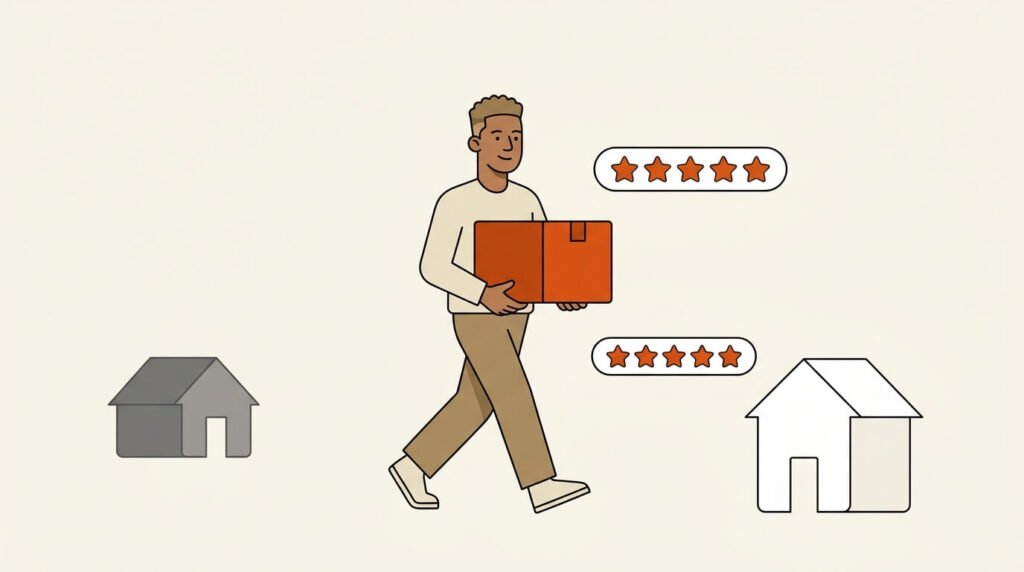
Registration on Arandmi still doesn’t ask where you live. First name, last name, email, a password, a checkbox agreeing to the terms- that’s the whole form.
Your account only gets tied to an area the moment you submit your first review, and that becomes your “home area” from then on.
That’s deliberate: how those area scores get built depends on ratings coming from people who actually live in the place they’re rating, so once your account has a home area, that’s the only area you can rate there, full stop; the review form on every other area page politely turns you away.
Changing that tie isn’t something to do casually either, since it’s exactly the kind of control someone could abuse to work through the map.
So it sits behind its own flow, with a limit attached: two changes in any twelve months, counted from the first time you use it, resetting a full year after that first change.
How to change your area, step by step
- Sign in, then click your account menu in the top right of the site. It shows your avatar and first name on desktop, and just your avatar on mobile.
- Select “My reviews” from the dropdown. This opens arandmi.com/my-reviews/.
- Near the top of the page, under the line naming your current area, click “Change your area.”
- Pick your new state from the dropdown. The page reloads to show the LGAs that belong to it.
- Pick your new LGA (Local Government Area).
- Type your new area name. If it already exists on Arandmi, it suggests itself as you type. If it doesn’t, type it anyway, since confirming the move creates it as a new page.
- Click Continue to reach a confirmation screen. It spells out exactly what’s about to happen: which area you’re moving from and to, how many of your two yearly changes this uses, and what happens to your old review.
- Click “Yes, I have moved to [your new area]” to confirm.
- You’re taken straight to the rating form for your new area, ready to write your first review there.
Arandmi also emails you a copy of the change once it goes through, so there’s a record even if you close the tab before reading the confirmation screen properly.
What happens to your old review
Here’s the part worth knowing: your old review isn’t deleted. It stays published exactly as you wrote it, since it was your honest experience of that street at the time.
It does pick up a “Former resident” note, and it closes to further edits, since editing is meant for correcting something you got wrong, not for a place you’ve since left.
Averages on Arandmi are area-based, not person-based. Your Surulere review keeps counting toward Surulere’s average, “Former resident” note and all, because the point was never to track you; it was to track the place. Someone flat-hunting in your old neighborhood next month still gets value from what you wrote.
If your new area doesn’t have a page yet, put your new neighborhood on Arandmi for the first time; walk through what that looks like from the other side, the side where nobody’s written about it at all.
And if your new area is somewhere already established, like Maitama, your review simply adds to a picture that’s already there.
For everything the rating form itself actually asks- star ratings, your main provider, average hours of power, the written review- the same short form covers it field by field.
If you’ve already used both changes this year
Two changes a year covers almost everyone, but if you’ve genuinely moved a third time before your year is up, the Change Your Area page tells you the exact date it reopens and gives you a way to message Arandmi directly and ask for your account to be moved as an exception.
A person handles that rather than the system doing it automatically, so it takes a little longer, but it isn’t a dead end.
Frequently Asked Questions
Can I change the area my old review is filed under?
Not directly. The area a review is filed under isn’t something you edit on the review itself; editing there only covers your ratings, provider, hours, and written text.
What you can do is change your account’s area from My Reviews, which moves your account forward to a new area for your next review while your old one stays published under the area it was actually about.
Will my old review get deleted once I change my area?
No. It stays published exactly as written, picks up a “Former resident” note, and closes to further edits.
Your account then moves to the new area, and you’re taken straight to the rating form there so you can leave your first review of the new place.
What if my new area doesn’t have a page on Arandmi yet?
Typing it into the Change Your Area form creates it the moment you confirm the move. It stays unpublished until your first review there is approved, at which point it gets its own public page, the same way any brand-new area does.